Saving the graphics |
|
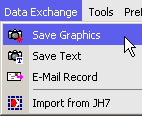 From user's e-mail: If I want to email a chart to a client, or what if I want to display and discuss a chart on my web site, how would I do that?
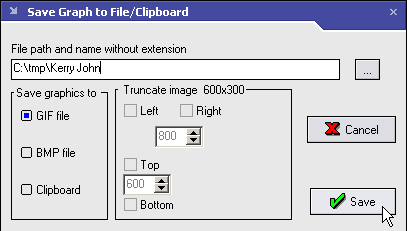
Before sending the chart or table or other program output by-e-mail or post it to internet, first you have to save it into a file. In the main program window tool bar there is a Camera button. When you click it a "Save Graphics" dialog appears. Type in a picture file name and select its format.
 You can save the JM outputs at any drive and folder of you PC. The deafult folder is C:\TMP but you can set your own.
To (re)define the path to save click a "Browse for output folder" button [...] located at the right of file name edit. If such folder does not exists, it will be created.
You can save the JM outputs at any drive and folder of you PC. The deafult folder is C:\TMP but you can set your own.
To (re)define the path to save click a "Browse for output folder" button [...] located at the right of file name edit. If such folder does not exists, it will be created.
|
 |
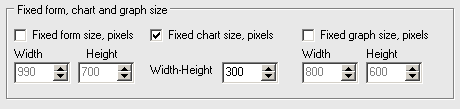 Usually graphs and charts auto-adjust their size to window space available but you can produce the pictures of fixed size defined at Preferences/System tab. The minimum chart size is 300x300 pixels.
|
|
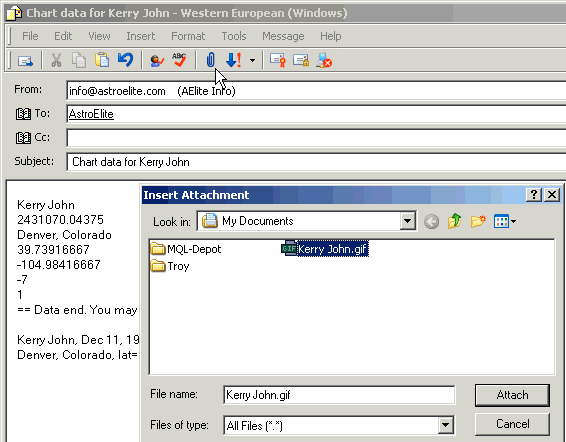
E-mailing the chart data and imageTo send a friend the chart data it's not necessary to type in them manually. It's enough to click "E-mail chart data" in "Data Exchange" menu and the new message with all the data will be composed.In case previously you have saved the chart as picture you may attach that to your letter. Click the attach button of your mailing program (a paper clip in Outlook Express) and point where a saved chart picture located. Then click a mailer Attach button, add the notes if needed and send the letter. The upper portion of the message reserved for data transfer. If a person to whom you were sent e-mail uses the software from astroElite one can transfer the chart data into his/her program database by pasting that portion into Events Manager import window. |
|
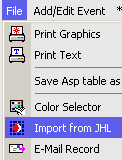
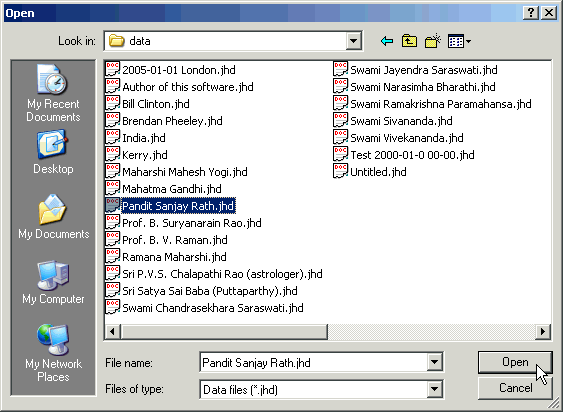
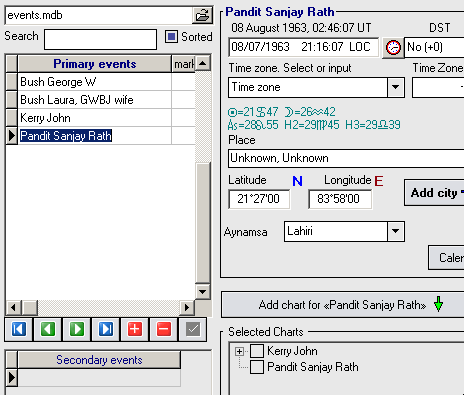
Jyotish Master and other programs data import/export | |
|
|
©1996-2024 AstroElite.com