How to install AEMT4 indicator, a detailed explanation |

  |
How to install AEMT4 indicator, a detailed explanation |
 Mar 11 2014, 12:35 PM Mar 11 2014, 12:35 PM
Post
#1
|
|
|
Administrator  Group: Root Admin Posts: 392 Joined: 22-September 09 From: USA Member No.: 1  |
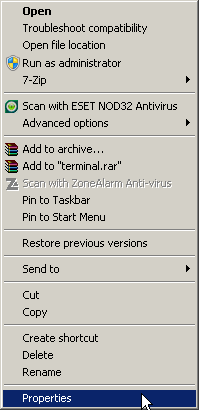
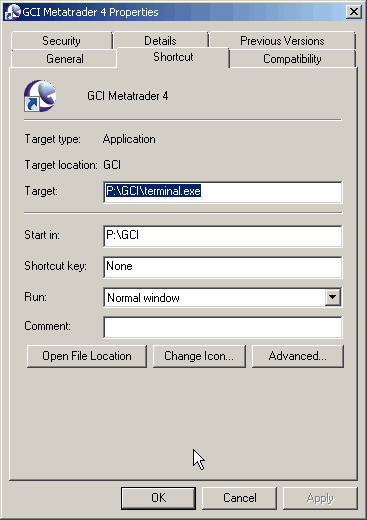
A. Find where your Metatrader 4 is installed
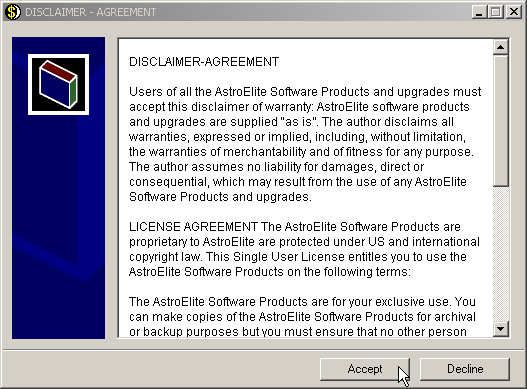
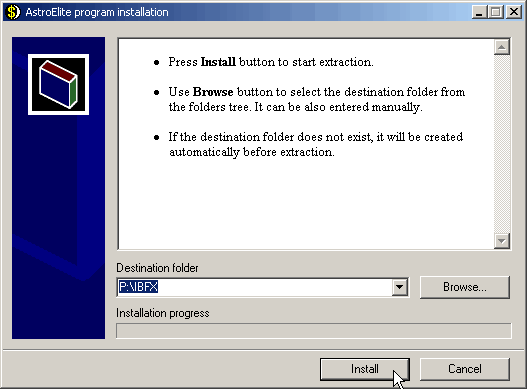
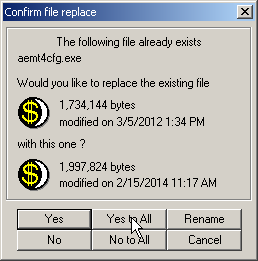
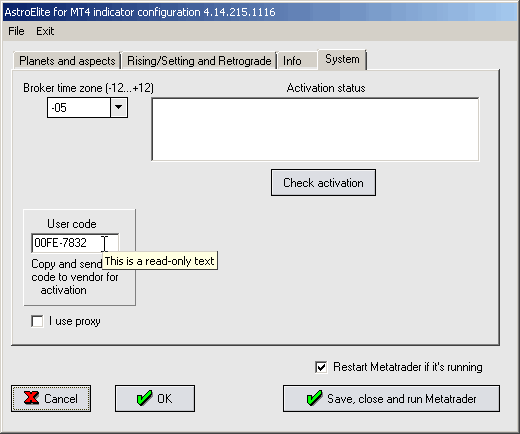
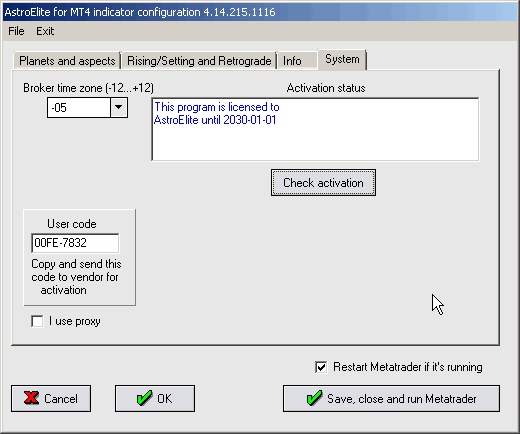
For instance, if your MT4 root folder is C:\Program Files (x86)\MahiFX MetaTrader 4 Terminal you have to copy aemt4_setup.exe to C:\Program Files (x86)\MahiFX MetaTrader 4 Terminal and run it there.  B. Installation
|
 |
 
|
|
Mar 11 2014, 01:10 PM
Post
#2
|
|
|
Administrator Group: Root Admin Posts: 392 Joined: 22-September 09 From: USA Member No.: 1 |
A. If an indicator is installed and available (file MQL4/Indicators/AEMT4.ex4 ), you will see its name in the MT4 Navigator/Custom Indicators list.
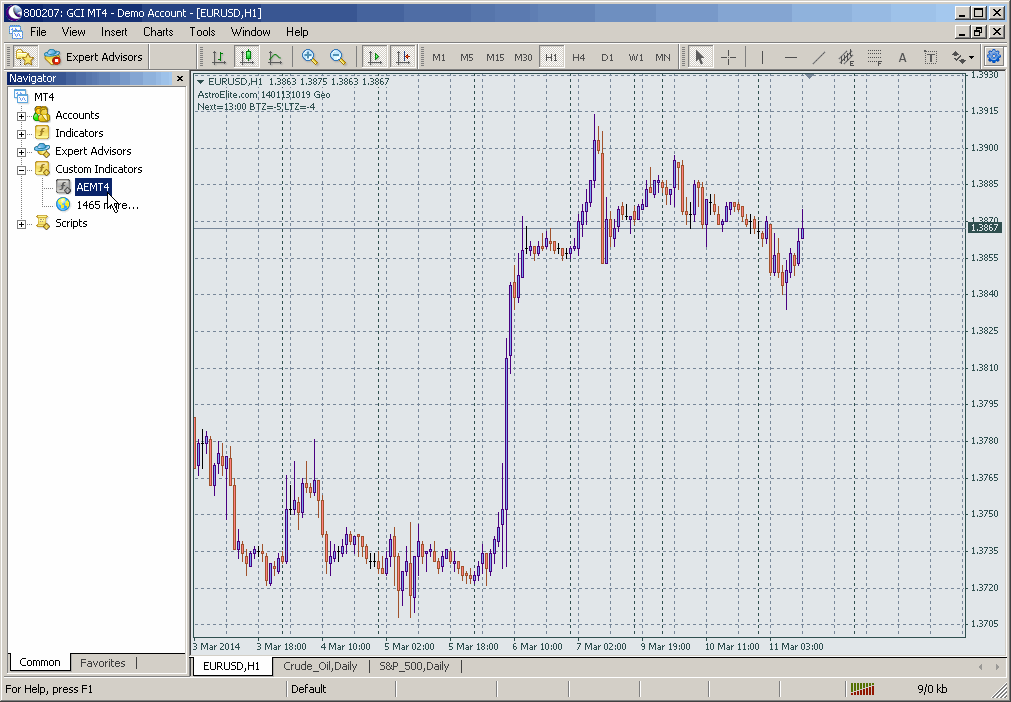 B. Select it with a left mouse button and drag it to chart area. The cursor changes its shape. Drop the indicator onto the chart (release left mouse button) 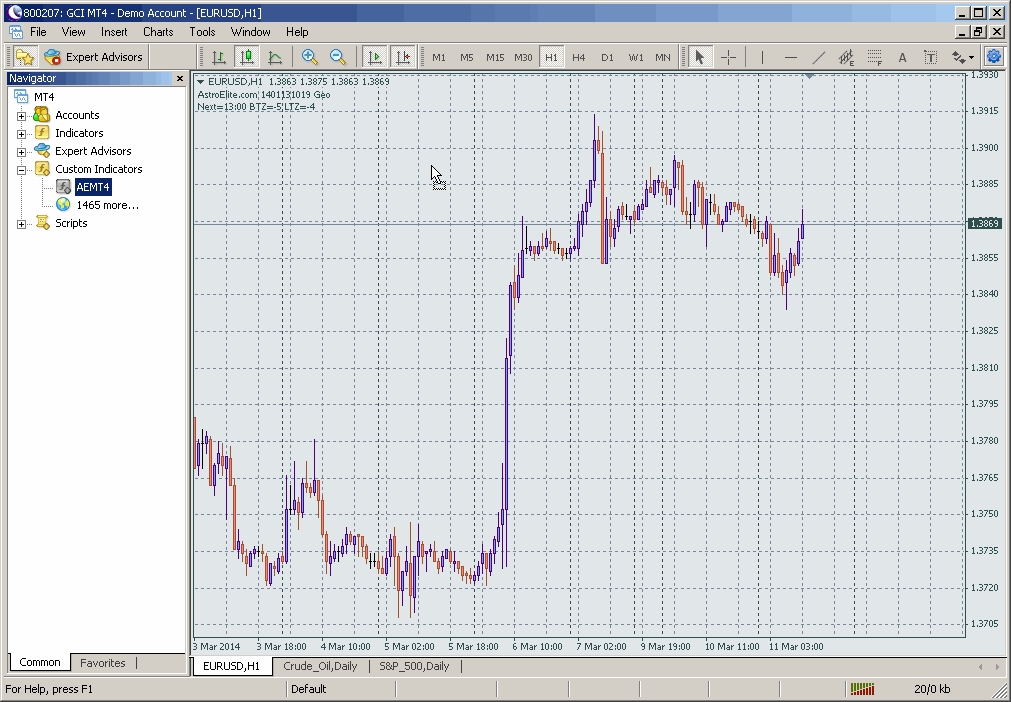 C. You will see the indicator properties. Check Allow DLL imports and Allow external experts imports boxes. Click OK button 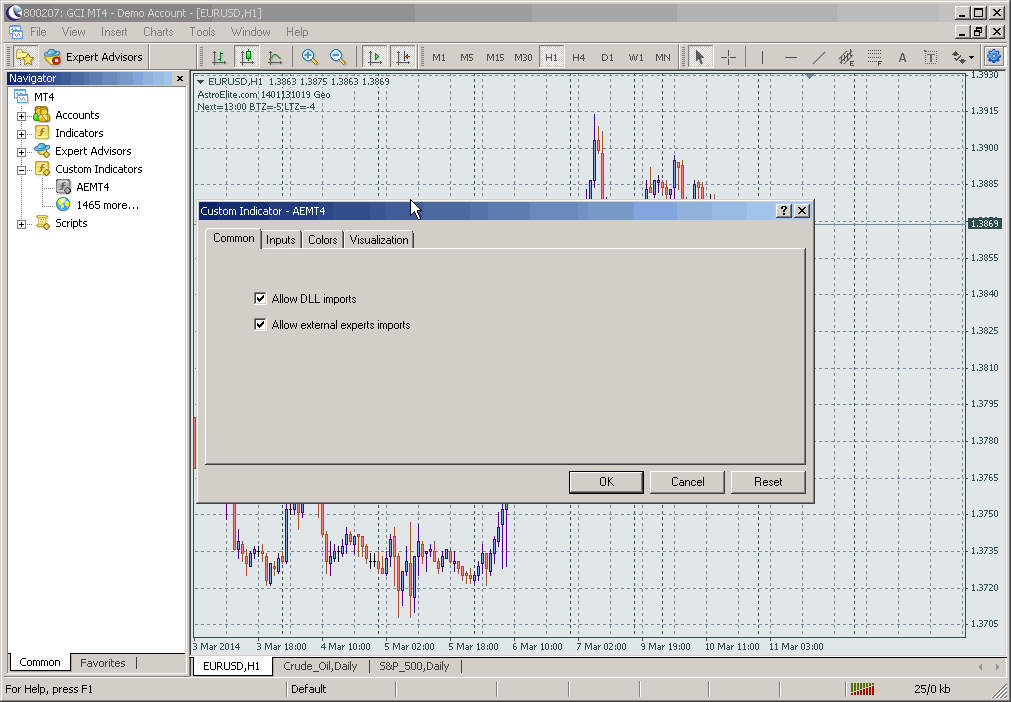 D. Now you have to see AstroElite.com XXXXXX Geo comment text in the chart left/top corner. If you don't see blue aspects astro-glyphs, check that H1 or H4 time frame is selected for the chart. 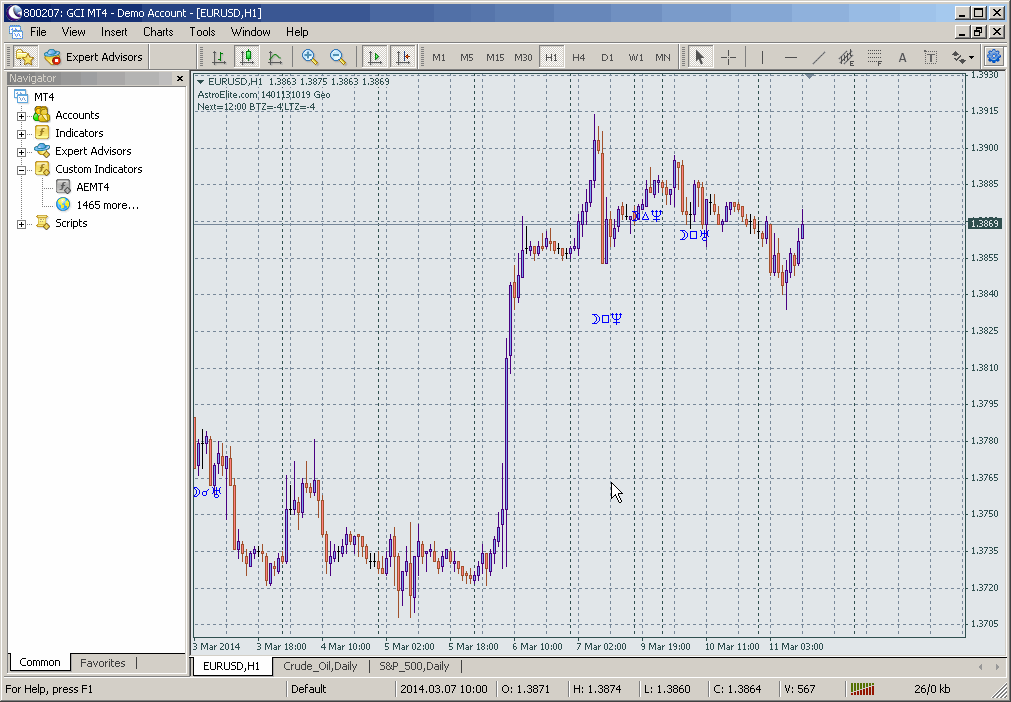 ====================================== AEMT4 installation is a process of placing the indicator code and auxiliary files to appropriate MT4 folders. Installation begins when you run aemt4_setup.exe. It does not require running of Metatrader 4 Installation has to be done once for given MT4 instance. For example, installation into C:\MT4_Broker_1, D:\MT4_Broker_2, etc. AEMT4 attachment to MT4 chart is a process of linking the indicator with specific price chart. It is performed within Metatrader trading platform. Attachment has to be done for every chart you want to have the indicator on. For example, attachment to EUR/USD, to USD/JPY, etc. |
|
|
|
|
| Lo-Fi Version | Time is now: 4th November 2025 - 07:19 PM |